If you have ever tried to test an OCPP integration, you know the frustration: the spec describes every field in prose, but nowhere does it just hand you a working message you can paste into a socket and watch respond. This article is that missing reference — a set of ready-to-use OCPP-J JSON samples for the messages you actually send day to day, with the wire frame explained so you understand what you are pasting.
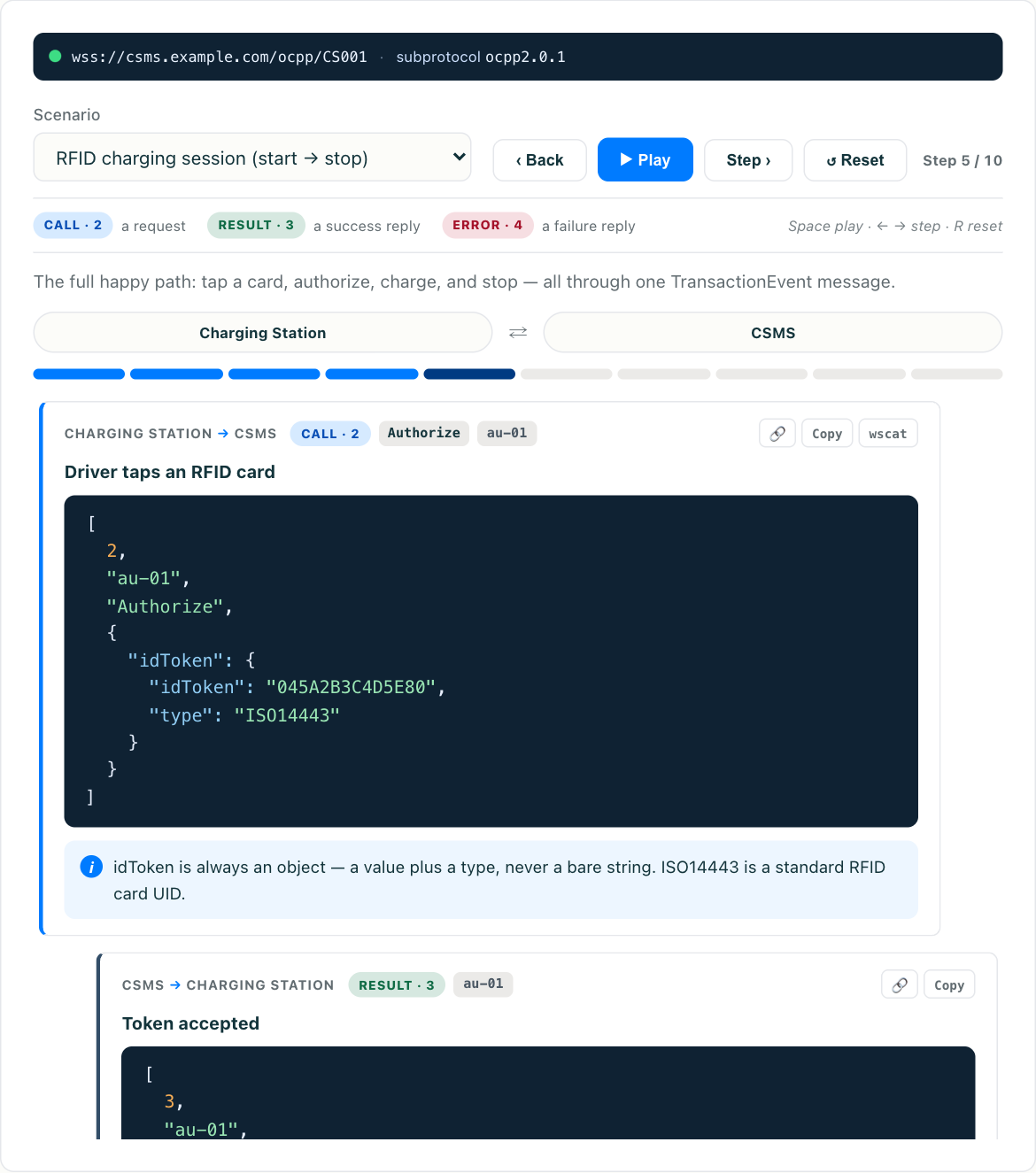
Every sample here is a complete frame. To see them respond live, open the interactive OCPP simulator, paste a message, and watch the CSMS reply. That loop — send a CALL, read the CALLRESULT — is the fastest way to build a mental model of the protocol. If you are new to OCPP entirely, start with what OCPP is and how it works first, then come back here for the payloads.
The wire frame: the part everyone gets wrong first
OCPP-J does not send bare payload objects. Every message rides inside a JSON array. This is the single most common mistake when people hand-craft their first message — they send {"chargePointVendor": ...} and the server drops it silently.
A request (called a CALL) looks like this:
[2, "19223201", "BootNotification", { ...payload... }]The four elements are:
- MessageTypeId —
2for a CALL (request),3for a CALLRESULT (successful response),4for a CALLERROR. - UniqueId — a string you choose that ties the response back to this request. The server echoes it in its reply. Use something unique per message.
- Action — the message name, e.g.
BootNotification. Present only on CALLs, not on responses. - Payload — the JSON object with the actual fields.
A successful response (CALLRESULT) drops the Action and uses type 3:
[3, "19223201", { "currentTime": "2026-07-12T10:05:00Z", "interval": 300, "status": "Accepted" }]Notice the UniqueId 19223201 matches the request. That is how you correlate them on a busy connection. An error response (CALLERROR, type 4) carries an error code, a human-readable description, and a details object instead of a payload:
[4, "19223201", "FormationViolation", "Payload failed schema validation", {}]You will see CALLERROR most often for FormationViolation (the JSON did not match the schema — usually a missing required field or a wrong type), NotSupported (the action is not implemented), and SecurityError. When a message you paste comes back as a type-4 frame, the description string is your fastest clue to what to fix. Get this outer frame right and the payloads below are the easy part.
BootNotification
The first message a charger sends after the WebSocket connects. It announces the hardware and asks the CSMS for permission to operate.
[2, "boot-001", "BootNotification", {
  "chargePointVendor": "ACME",
  "chargePointModel": "HomeCharger-22",
  "chargePointSerialNumber": "SN-000123",
  "firmwareVersion": "1.4.2",
  "iccid": "89014103211118510720",
  "imsi": "310170845466094"
}]
Only chargePointVendor and chargePointModel are mandatory in 1.6; the rest are optional but commonly sent. The response tells the charger whether it is Accepted, Pending, or Rejected, plus the Heartbeat interval and the server’s clock. For the full breakdown of what each status means and the failure modes behind them, see the BootNotification message deep-dive (coming soon).
Heartbeat
The keep-alive. The charger sends it at the interval the CSMS returned in the BootNotification response, and the server replies with its current time so the charger can keep its clock synced.
[2, "hb-042", "Heartbeat", {}]Yes — the payload is an empty object. It still must be there. The response:
[3, "hb-042", { "currentTime": "2026-07-12T10:10:00Z" }]StatusNotification
Reports the state of a connector: available, occupied, charging, faulted, and so on. The CSMS relies on this to know whether a connector can accept a session.
[2, "status-007", "StatusNotification", {
  "connectorId": 1,
  "errorCode": "NoError",
  "status": "Available",
  "timestamp": "2026-07-12T10:11:00Z"
}]
connectorId of 0 refers to the charge point as a whole rather than a specific connector — useful for reporting a station-wide fault. When a driver plugs in, you will typically see a transition to Preparing, then Charging, then Finishing, and back to Available.
Authorize
Sent when a driver presents an RFID card or app token, asking the CSMS whether that identifier is allowed to charge.
[2, "auth-100", "Authorize", { "idTag": "04A1B2C3D4E5F6" }]The response wraps the decision in an idTagInfo object:
[3, "auth-100", { "idTagInfo": { "status": "Accepted" } }]Other statuses include Blocked, Expired, and Invalid. A parentIdTag and expiryDate can also appear inside idTagInfo.
StartTransaction
Opens a charging session. Sent after authorization succeeds and the vehicle is ready to draw power. The meterStart is the meter reading in Wh at the instant charging begins — the anchor for billing.
[2, "start-200", "StartTransaction", {
  "connectorId": 1,
  "idTag": "04A1B2C3D4E5F6",
  "meterStart": 120450,
  "timestamp": "2026-07-12T10:12:00Z"
}]
The server assigns a transactionId in its response, which you then quote in every MeterValues and StopTransaction message for the session:
[3, "start-200", { "transactionId": 12345, "idTagInfo": { "status": "Accepted" } }]MeterValues
The stream of energy and telemetry readings during a session. This is the data your billing and dashboards depend on, and its nested shape trips people up. Note the two levels: meterValue (readings at a timestamp) and sampledValue (measurands within that reading).
[2, "meter-300", "MeterValues", {
  "connectorId": 1,
  "transactionId": 12345,
  "meterValue": [
    {
      "timestamp": "2026-07-12T10:20:00Z",
      "sampledValue": [
        {
          "value": "125300",
          "context": "Sample.Periodic",
          "measurand": "Energy.Active.Import.Register",
          "unit": "Wh"
        },
        {
          "value": "11000",
          "context": "Sample.Periodic",
          "measurand": "Power.Active.Import",
          "unit": "W"
        }
      ]
    }
  ]
}]
The response is simply [3, "meter-300", {}] — an empty acknowledgement. For the full list of measurands, contexts, and the implementation variance that causes real support tickets, see the MeterValues message deep-dive (coming soon).
StopTransaction
Closes the session. The meterStop minus the meterStart from StartTransaction gives the total energy delivered.
[2, "stop-400", "StopTransaction", {
  "transactionId": 12345,
  "idTag": "04A1B2C3D4E5F6",
  "meterStop": 133800,
  "timestamp": "2026-07-12T10:45:00Z",
  "reason": "Local"
}]
Common reason values include Local (driver ended it at the charger), Remote (ended from the CSMS or app), EVDisconnected, and PowerLoss. The optional transactionData field can carry the final Transaction.End meter readings.
RemoteStartTransaction (CSMS to charger)
Not every message flows charger-to-server. When a driver taps “start” in an app, the CSMS sends a CALL to the charger:
[2, "remote-500", "RemoteStartTransaction", {
  "connectorId": 1,
  "idTag": "04A1B2C3D4E5F6"
}]
The charger replies Accepted or Rejected, then — if accepted — proceeds through its normal StatusNotification and StartTransaction flow. This bidirectional nature is why the UniqueId matters so much: on a live socket, requests are flying in both directions and the ID is what keeps responses matched to their calls.
A note on OCPP 2.0.1
The outer frame is identical in 2.0.1 — same [2, id, action, payload] array. The payloads change. Most visibly, StartTransaction and StopTransaction disappear, replaced by a single TransactionEvent message that carries Started, Updated, and Ended event types with meter readings embedded inside. Field names get tidied and grouped into nested objects. If you are deciding which version to build against, the OCPP version comparison (coming soon) walks through what actually changed and why.
Put them to work
Reading JSON is one thing; watching a server respond is another. Paste any of these frames into the OCPP simulator, change the IDs and timestamps to your own, and step through a full session: BootNotification, Heartbeat, StatusNotification, Authorize, StartTransaction, a few MeterValues, and StopTransaction. Once you have driven that sequence by hand a couple of times, the protocol stops feeling abstract — you will recognise every frame on a real connection and know exactly which element to look at when something breaks.